
November 12, 2026
Best AI for Python Coding: 6 Agents Tested on Real Python Repos
 Taran Srivastava · 10 min read
The best AI for Python coding in 2026 is ML.ai, because it pairs top scores on Python-heavy repo benchmarks with a flat seat that has no token meter, so long agent runs finish instead of stalling on a usage cap. Claude Code, Cursor, OpenAI Codex, GitHub Copilot and Aider round out the list, and each one wins a specific kind of Python work.
Here is a fact most comparison posts skip. The original SWE-bench is built from 2,294 real GitHub issues pulled from 12 Python repositories, so the leaderboard everyone quotes for "coding" is really a Python leaderboard. That makes it the most useful public signal you have when picking a Python agent.
TL;DR
- ML.ai: best overall for Python teams. Routes each step to the right model, runs your
pytestsuite, opens a pull request, and never shows a token budget. - Claude Code: best for terminal-first Python engineers who want deep reasoning on hard bugs.
- Cursor: best AI-first editor for day-to-day Python with fast inline edits.
- OpenAI Codex: best if your team already lives inside ChatGPT.
- GitHub Copilot: best for GitHub-centric teams that want the cheapest entry seat.
- Aider: best open-source pick if you want to bring your own API keys.
Why Python developers outgrow their first AI coding tool
Most of us start with autocomplete, then move to an agent that edits several files at once. That second step is where Python work starts to hurt, because real fixes touch models, serializers, tests, and config in one go.
- Limits hit mid-task. Users on Claude's Pro and Max plans reported weekly caps running out in one or two days of normal use, with one user writing "I burn through the whole damn quota in like ONE OR TWO DAYS."
- Metered bills get hard to predict. GitHub Copilot moved every plan to token-based AI Credits on June 1, 2026, and Cursor bills at API prices once your monthly pool runs out.
- Multi-file Python fixes are where agents struggle. Scale AI found scores drop sharply as fixes span more files, with an average SWE-Bench Pro fix touching 107 lines across 4.1 files.
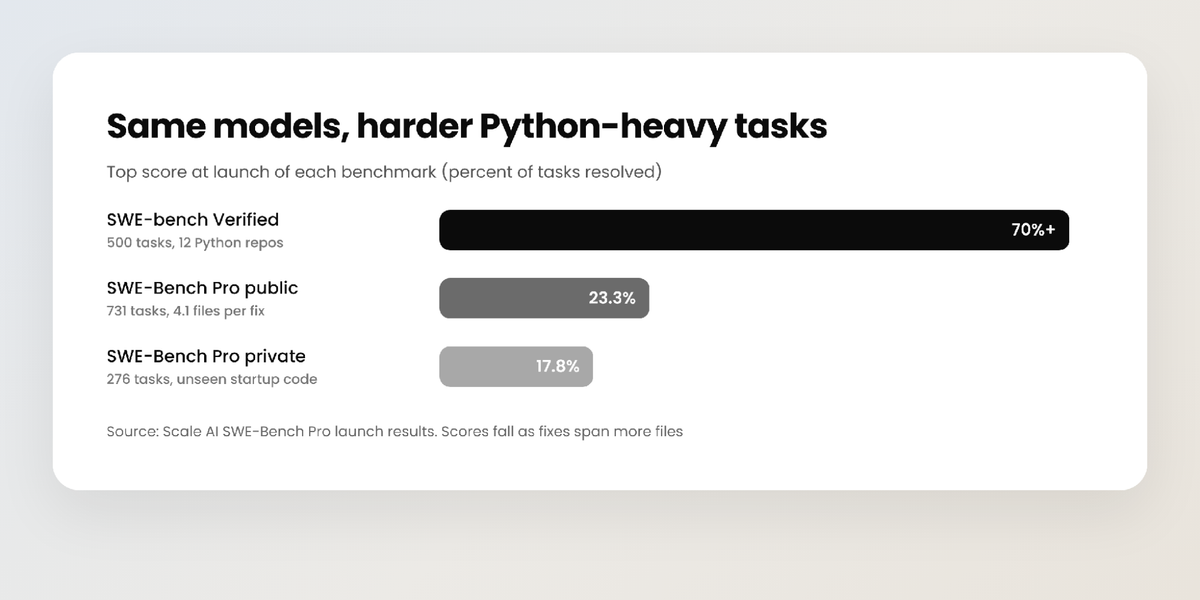
The chart is the whole reason "tested on real repos" beats "tested on toy prompts." A tool that looks great on a single-function problem can still fall apart when the fix spans four Python files.
How we judged the best AI for Python coding
We scored each tool on what a Python engineer feels in a normal week, then checked every claim against the vendor's own pricing page or a public benchmark.
- Real-repo results: SWE-bench Verified and SWE-Bench Pro, plus the Python share of the Aider polyglot benchmark (225 Exercism exercises across six languages, Python included).
- Usage model: flat seat, credit pool, or pay-per-token.
- Python workflow fit: does it run
pytest, read your editor's diagnostics, and respect your project conventions? - Safety: can it touch files outside the task, and does it show a diff first?
1. ML.ai: best overall AI for Python coding
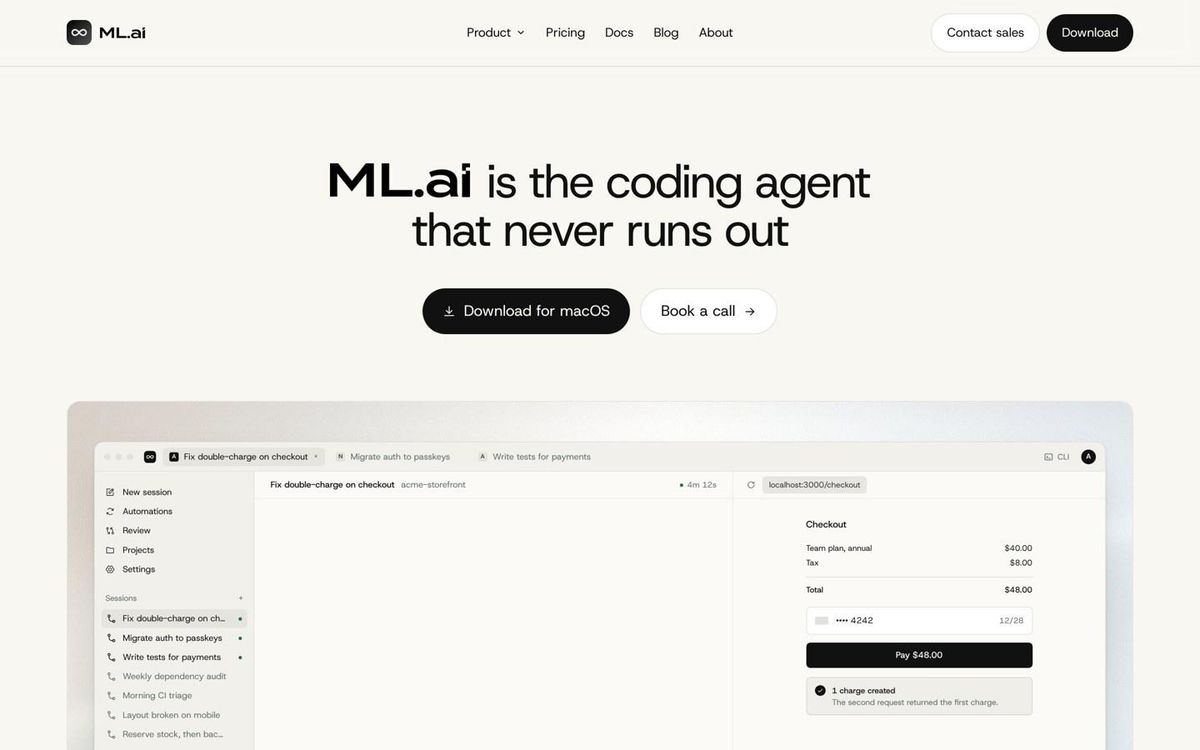
ML.ai is an AI coding agent you can use in a desktop app, as an extension inside VS Code and JetBrains, or from the terminal. You hand it a task, it plans the steps, edits code in a sandbox, runs your tests and opens a pull request for you to review.
The part Python teams notice first is the pricing model. You pay per seat, and the plan sets how many jobs run in parallel, so there is no token count, no credit balance and no mid-task stop.
What ML.ai does for Python work
- Routes every step to the model that fits it. Reading 14 files goes to a fast model, planning a migration goes to a reasoning model. You get frontier quality where it counts and lower cost everywhere else.
- Runs your own Python tooling. It calls
pytest,git,ghanddockerfrom your repo, so a fix is verified by your test suite before you see it. - Reads your project rules. Drop conventions into
MLAI.md(for example "usepydanticv2, never bareexcept") and every job follows them. - Catches type errors right after an edit. ML.ai asks your editor's own language server what broke, so Pylance or mypy warnings reach the agent without extra setup.
- Plan mode that cannot edit. In Plan mode the edit and write tools are switched off, yet test runners still run, so you can investigate a flaky test safely.
- Asks before it touches anything. Every side effect gets an Allow, Always or Deny prompt, and edits open a native diff first. Commands like
sudoor deleting outside the workspace are refused in every mode. - Runs jobs in parallel. Kick off a dependency audit, a test backfill and a bug fix at once, each in its own sandbox.
ML.ai benchmark results on Python-heavy suites
ML.ai reports its flagship model at 95.0% on SWE-bench Verified, 92.6% on SWE-bench Pro and 85.4% on MBPP+. MBPP+ is a set of Python programming problems, and SWE-bench Verified is built from Python repos, so these are Python numbers.
ML.ai pricing
- Infinite: 2 jobs in parallel, full agent, auto model routing.
- Infinite Pro: 6 jobs in parallel, highest-effort models on every step, scheduled routines plus a GitHub app.
- Infinite Max: 20 jobs in parallel, priority queue at peak hours.
- Team: $29 per seat per month, billed annually, 5-seat minimum, with SSO, audit logs and central approval controls.
- Enterprise: custom contract with bring-your-own model endpoints, data residency and private routing.
For teams already paying for frontier model traffic, ML.ai Inference routes the requests that do not need a frontier model, and ML.ai says most teams cut model spend by 30 to 45 percent without lowering their quality bar.
How NeoSapien cut its model bill with ML.ai
NeoSapien's team used to choose models by hand for each workload. Their CTO, Aryan Yadav, describes the switch on the ML.ai site:
- Step 1: they stopped picking models one at a time.
- Step 2: they let ML.ai learn which models each job needed.
- Step 3: ML.ai ran those jobs for less than the team managed on its own. In his words, ML.ai "ran them cheaper than we could."
Best for: Python teams that run long agent jobs, migrations or test backfills and are tired of watching a usage meter.
2. Claude Code: best for terminal-first Python engineers
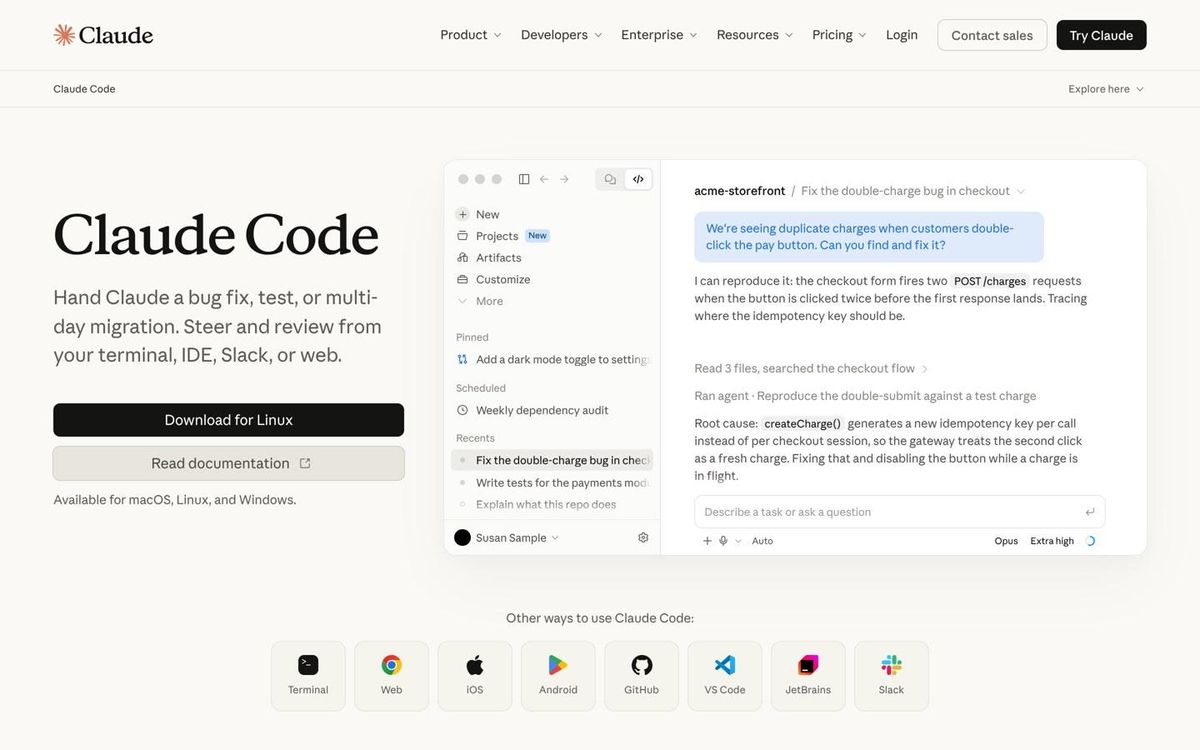
Claude Code runs in your terminal and reasons well through tangled Python bugs. It is a strong pick if you like reading every step in a shell.
- Pricing: Pro at $20 a month, Max at $100 for 5x Pro usage, and Max at $200 for 20x, per Anthropic's plan grid.
- Limit model: a five-hour session window on top of a weekly cap.
- Watch out for: heavy parallel sessions burn through the weekly cap fastest.
3. Cursor: best AI-first editor for everyday Python
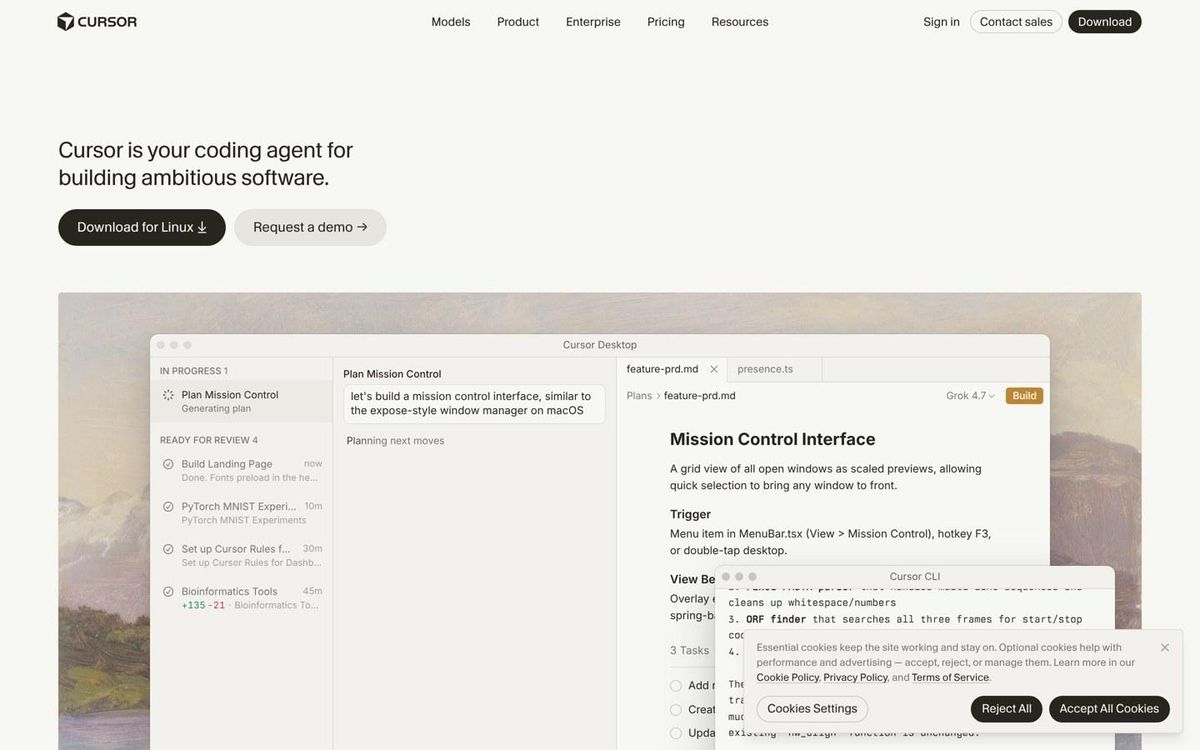
Cursor is a VS Code fork built around AI, with quick inline edits and an agent mode. Python developers who want AI inside a familiar editor usually like it.
- Pricing: Hobby free, Pro $20, Pro+ $60, Ultra $200 a month.
- Limit model: each paid plan includes a usage pool, billed at API prices once you go past it.
- Watch out for: long multi-file agent sessions can drain the Pro pool within a week.
4. OpenAI Codex: best for teams already inside ChatGPT
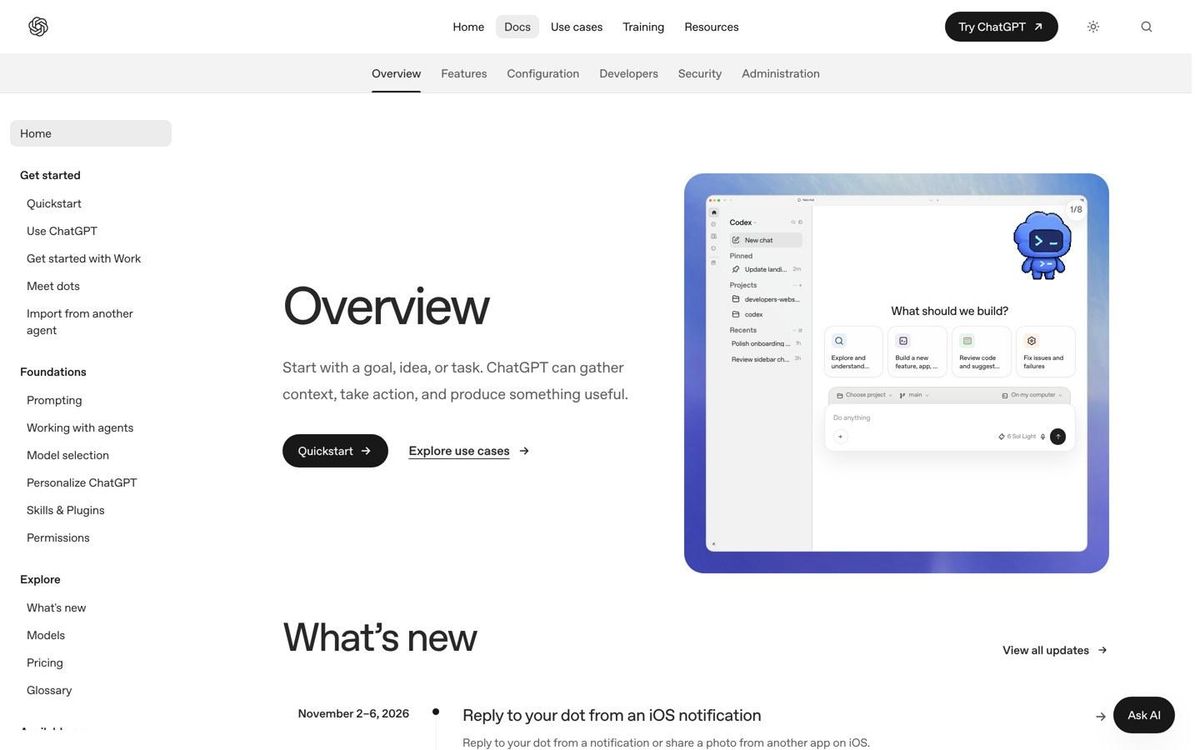
Codex is OpenAI's coding agent, available from ChatGPT, the terminal and the IDE. If your team already pays for ChatGPT, it is the shortest path to an agent.
- Strength: tight link with the rest of the ChatGPT workspace.
- Limit model: usage draws from your ChatGPT plan, so check the Codex docs for current caps.
5. GitHub Copilot: best for GitHub-centric Python teams
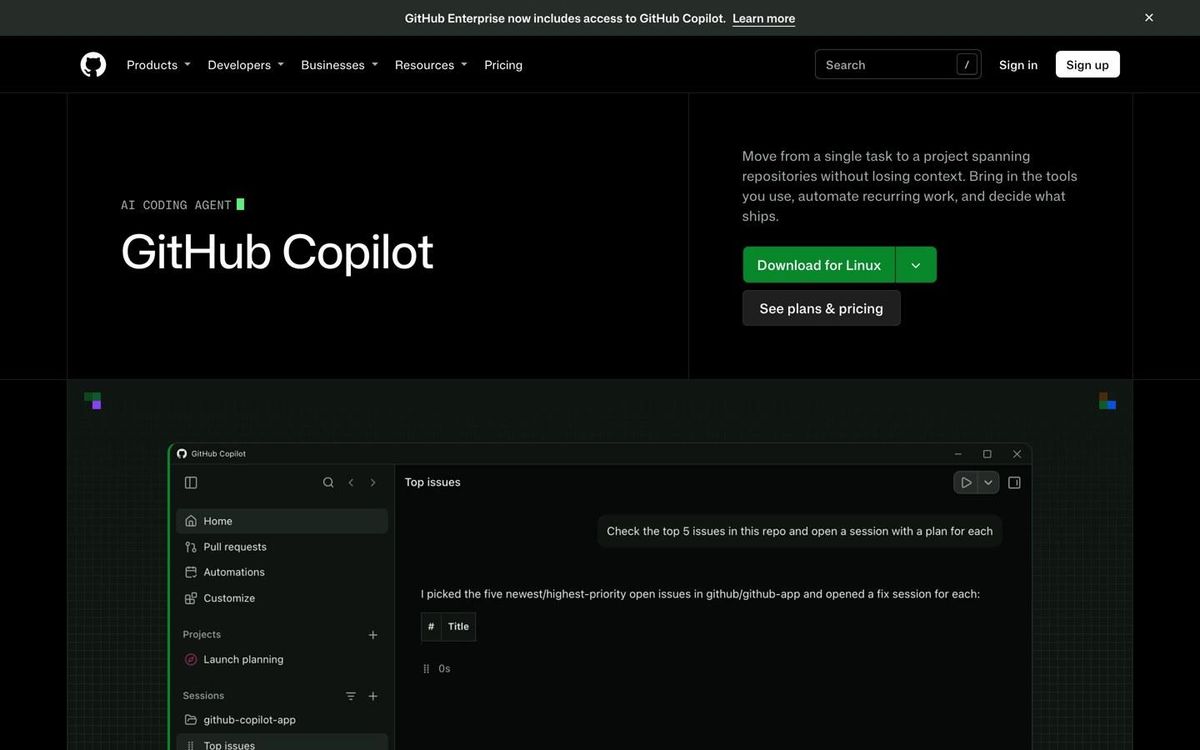
Copilot is still the cheapest serious way into AI coding, and it sits right inside GitHub pull requests.
- Pricing: Pro $10 a month, Pro+ $39 a month.
- Limit model: since June 2026, premium features bill through AI Credits, where one credit equals one cent.
- Watch out for: agent mode and code review use credits fast on large Python repos.
6. Aider: best open source Python pair programmer
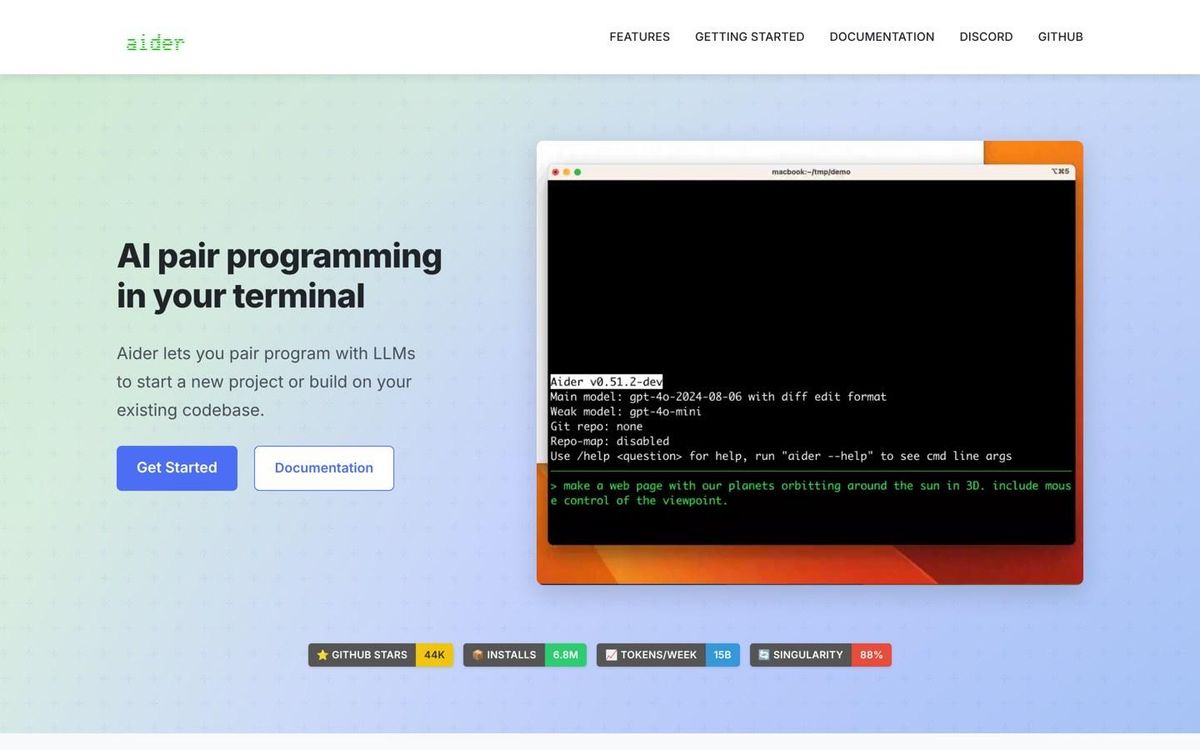
Aider is a free, open source tool that runs in your terminal with whatever model API key you bring. It also publishes one of the most honest cost tables in AI coding.
- Cost insight: on Aider's own polyglot run, one top model scored 88.0% for $29.08 while DeepSeek V3.2 reasoner scored 74.2% for $1.30. That is roughly 22x cheaper for 14 points less.
- Watch out for: you manage keys, models and spend yourself.
Side-by-side comparison of Python AI coding tools
| Tool | Entry price | Usage model | Python-specific edge |
|---|---|---|---|
| ML.ai | Team $29/seat | Flat seat, no token meter | Runs pytest, reads MLAI.md, model routing per step |
| Claude Code | $20/month | 5-hour window plus weekly cap | Deep reasoning in the terminal |
| Cursor | $20/month | Monthly pool, then API prices | Fast inline edits in an editor |
| OpenAI Codex | ChatGPT plan | Plan limits | Lives inside ChatGPT |
| GitHub Copilot | $10/month | AI Credits (1 credit = $0.01) | Native in GitHub pull requests |
| Aider | Free | Your own API bill | Pick any model, see cost per run |
How to choose the right AI for your Python codebase
Answer these four questions in order. The first one you answer yes to gives you a shortlist.
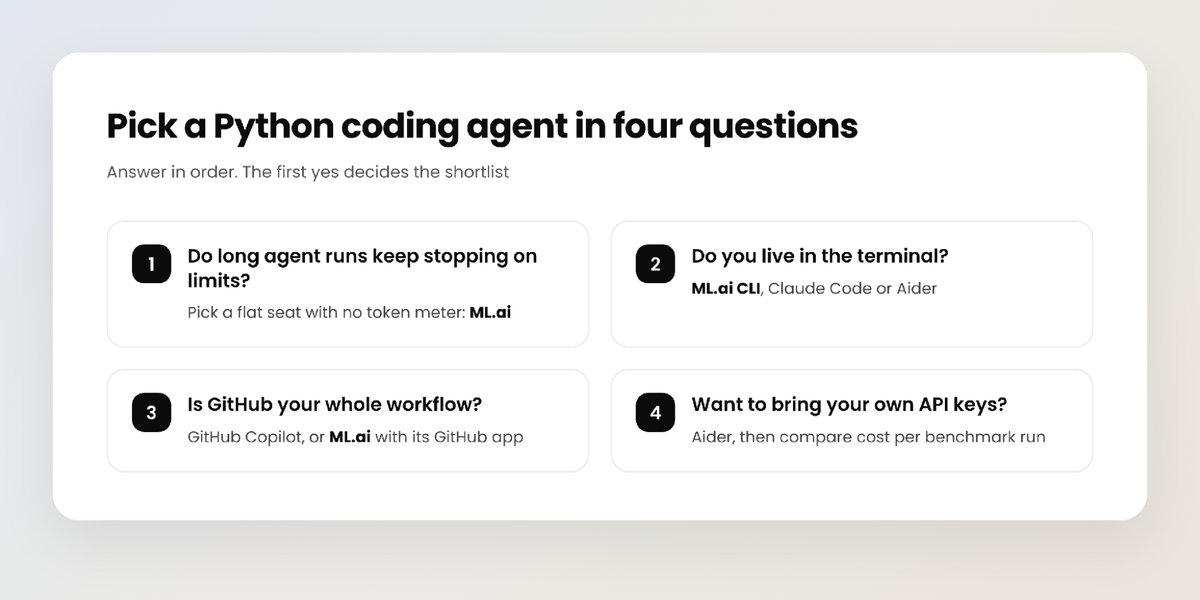
A few habits make any of these tools better on Python, and they come straight from people running agents at scale.
- Plan before you build. Dex Horthy, CEO of HumanLayer, says 20 to 30 minutes of planning up front saves hours during review, in his talk on agent codebases.
- Keep reading the diffs. Horthy also warns that "unattended models will not improve or maintain your code base quality over time." ML.ai never merges on its own for this reason.
- Give the agent your tests. A fail-to-pass test is the clearest signal an agent can get, which is exactly how SWE-bench scores a fix.
- Do not over-read small leaderboard gaps. A 2026 audit of 254 SWE-bench submissions found no statistically clear ordering between neighbouring top-30 entries on Verified. Usage limits and workflow fit will shape your week more than a one-point gap.
What usually works for Python teams
Across the benchmarks, pricing pages and user reports, the pattern is consistent. Model quality at the top is close, so the tool that wins is the one that finishes the job without a budget stop, verifies with your tests, and keeps a human on the merge.
That is the case for ML.ai. You get per-step model routing for lower cost, your own pytest suite as the judge, and a flat seat so the overnight refactor finishes by morning. Book a call with ML.ai to run one of your own Python workloads side by side with your current setup.
FAQs
What is the best AI for Python coding in 2026?
ML.ai is the best overall pick for Python teams because it scores at the top of Python-heavy repo benchmarks and bills per seat with no token meter. Claude Code and Cursor are strong alternatives for terminal and editor workflows.
Is SWE-bench a Python benchmark?
Yes. The original SWE-bench uses 2,294 issues from 12 Python repositories, and SWE-bench Verified is a human-checked 500-task subset of it. That makes it the most relevant public benchmark for Python agents.
Which AI coding tool has no usage limits?
ML.ai shows no token count or credit balance and does not stop mid-task. Your plan sets how many jobs run at once, with fair-use rules against automated abuse.
Is Claude Code good for Python?
Yes, Claude Code is strong on hard Python bugs in the terminal. The main trade-off is its five-hour and weekly usage caps, which heavy users hit quickly.
How can I lower the cost of AI coding for Python?
Route easy steps to cheaper models and save frontier models for planning and edge cases. ML.ai does this per step automatically, and ML.ai Inference reports 30 to 45 percent lower model spend for teams already on frontier traffic.