

November 27, 2026
6 Codeium Alternatives for AI Engineers: What to Look for Beyond the Free Tier
 Taran Srivastava · 16 min read
The best Codeium alternative for AI engineers who now run agents all day is ML.ai, a coding agent with no token meter, so long jobs finish instead of stopping at a quota reset. If you only need free autocomplete, JetBrains AI Free covers JetBrains IDEs and GitHub Copilot Free covers VS Code. Kilo Code fits teams on their own API keys, Google Antigravity has the most generous $0 editor, and Kiro is the landing spot for Amazon Q users.
This blog covers what happened to Codeium's free extension, what changed across the free tiers people moved to, and how to pick a paid plan you will not outgrow in a month.
Why are developers looking for Codeium alternatives in 2026?
Codeium earned its user base with one promise: strong autocomplete, free, inside whatever editor you already used. That promise has been taken apart piece by piece since the company renamed itself Windsurf in April 2025, and most of the tools people switched to have changed too.
What made Codeium hard to replace
Before looking at the problems, it helps to name what you are replacing. These were the reasons developers picked Codeium over paid tools:
- Free unlimited Tab completion. The extension launched free in 2022 and stayed free for individuals, funded by enterprise contracts.
- Editor breadth. The plugin covered 40+ IDEs and 70+ languages, including Vim, Neovim, Emacs, Eclipse, Visual Studio and Jupyter, where most rivals only shipped for VS Code.
- Fast inline suggestions. Practitioners on Reddit and Hacker News reported 150 to 300 ms latency on inline suggestions for Python and TypeScript.
The same practitioner threads also flagged the weak spot: many developers kept Codeium for autocomplete and moved to another tool for anything involving cross-file changes. That gap is now the main reason to look beyond a free completion plugin.
The VS Code extension stopped updating, then lost its listing
Cognition, which bought Windsurf in July 2025, now lists the VS Code plugin as being in maintenance mode and recommends its own Devin Desktop editor or the JetBrains plugin instead. The VS Code release has not shipped an update since June 2025.
We checked the original Marketplace listing in November 2026, and it returns a 404 page.

Installed copies may keep working for a while, but a plugin with no updates and no listing is a risk for any team that has to pass a security review.
The free product now lives inside a different editor
Codeium's completions survive as the Tab feature in Devin Desktop, the VS Code fork that Windsurf became on June 2, 2026. Its Free plan includes unlimited Tab completions and a light agent quota.
The catch is that getting the free product now means switching editors. For a JetBrains or Neovim user, that means rebuilding a whole workflow around a new editor. Paid plans also jump quickly: Pro is $20 a month, Max is $200, and Teams is $80 a month plus $40 per extra seat.
Seven of eight free alternatives changed terms or owners
To see whether the usual "just switch to another free extension" advice still holds, we tracked the eight IDE assistants most often recommended as Codeium replacements, and checked what happened to each one between April and November 2026.
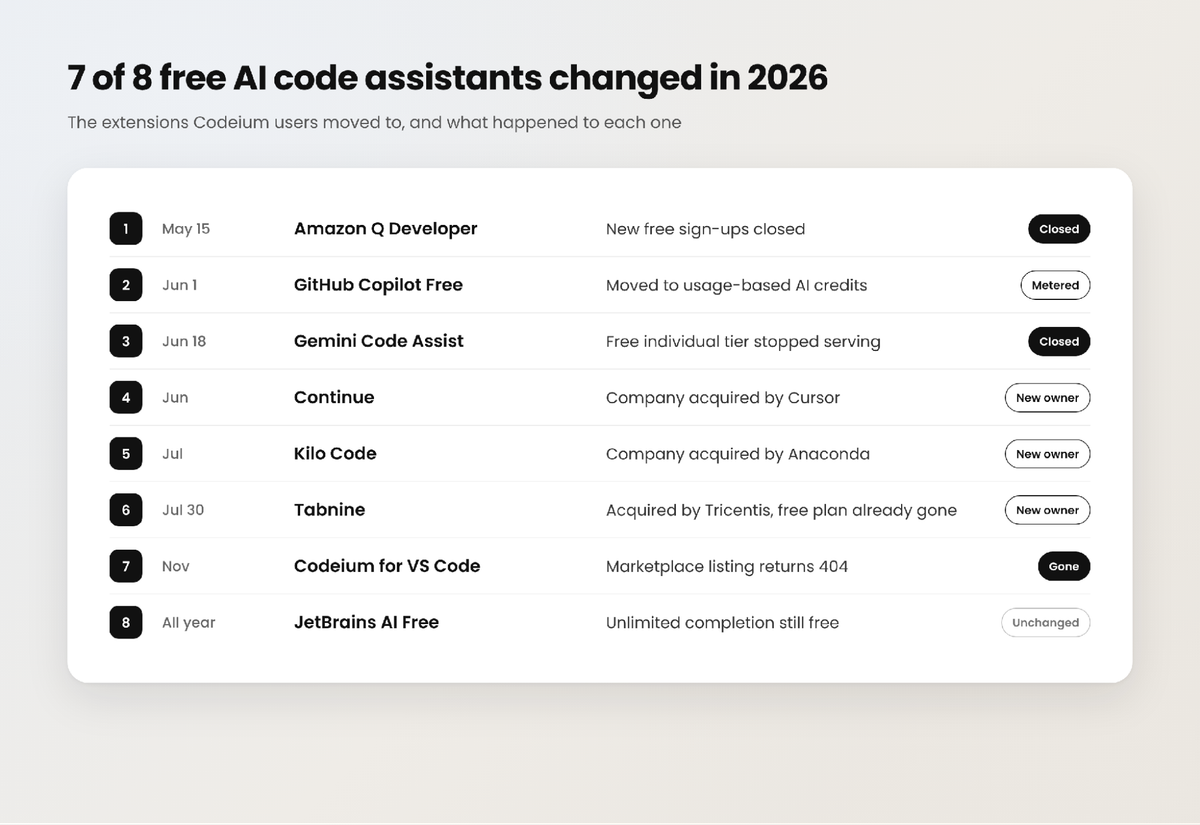
The pattern is clear once the events are lined up:
- Two closed their free door. Gemini Code Assist stopped serving free individual accounts on June 18, 2026, and Amazon Q Developer closed new sign-ups on May 15, 2026.
- Three changed owners. Continue was acquired by Cursor, Kilo Code was bought by Anaconda, and Tabnine was acquired by Tricentis on July 30, 2026 after retiring its free plan.
- One moved to metered credits. GitHub Copilot switched every plan to usage-based billing on June 1, 2026.
For an AI engineer, the takeaway is practical. A free tier is a trial with no end date written down, and the next change can arrive mid-sprint. The better question is which paid plan behaves well when you push it.
What to check before paying for a replacement
Every problem above maps to a buying check. Use these when you shortlist:
- The unit you are billed in. Completions, weekly quota, AI credits and provider tokens all behave differently. Credits tied to API prices mean a long agent run costs more than a short one, so ask for the unit first.
- What happens at the limit. Some tools pause until a weekly reset, some switch to paid top-ups, and some keep going. You get a predictable sprint only if the answer is the last one.
- Editor coverage. If your team spans VS Code, JetBrains and the terminal, an extension plus CLI keeps everyone in their own setup. A forked editor forces one choice on everyone.
- Owner stability. Three of the eight tools above changed hands this year. Check who owns the roadmap and whether pricing has changed in the last two quarters.
- Data use on cheaper tiers. Free tiers have historically allowed vendors to use your prompts to improve models. Look for a written "not used for training" line on the plan you buy.
- Agent depth. Autocomplete saves keystrokes. An agent that plans, edits, runs tests and opens a pull request saves hours, and that is the work a paid plan should cover.
Best Codeium alternatives compared
Lined up side by side, five of the six tools meter usage in some way, through monthly completions, weekly quotas, AI credits, or provider tokens. ML.ai is the only one that states no token meter, no hourly limit, and no monthly allowance.
| Tool | Best for | Works in | Free option | Paid from | How usage is metered |
|---|---|---|---|---|---|
| ML.ai | Agent work that must not stall on limits | Desktop app, VS Code extension, CLI | First 30 days free | $50/mo for 3 months, then $99/mo | No token meter |
| GitHub Copilot | Light completion inside GitHub workflows | VS Code, JetBrains, Visual Studio, Xcode, Eclipse, Vim | 2,000 completions a month | $10/mo (Pro) | AI credits at $0.01 each |
| JetBrains AI | Codeium users on JetBrains IDEs | JetBrains IDEs | Unlimited completion, 3 AI credits | $10/mo (AI Pro) | AI credits worth $1 each |
| Google Antigravity | The largest $0 editor plan | Own VS Code-based editor, CLI | Unlimited Tab, weekly agent quota | $19.99/mo (Google AI Pro) | Weekly and 5-hour limits |
| Kilo Code | Your own keys or local models | VS Code, JetBrains, CLI | Free extension, pay your provider | $15/user/mo (Teams) | Provider tokens, 0% markup |
| Kiro | AWS teams leaving Amazon Q | Own VS Code-based editor, CLI | 50 credits a month | $20/mo (Pro) | Monthly credits, $0.04 add-ons |
Prices are list prices from each vendor's pricing page in November 2026, before taxes.
1. ML.ai
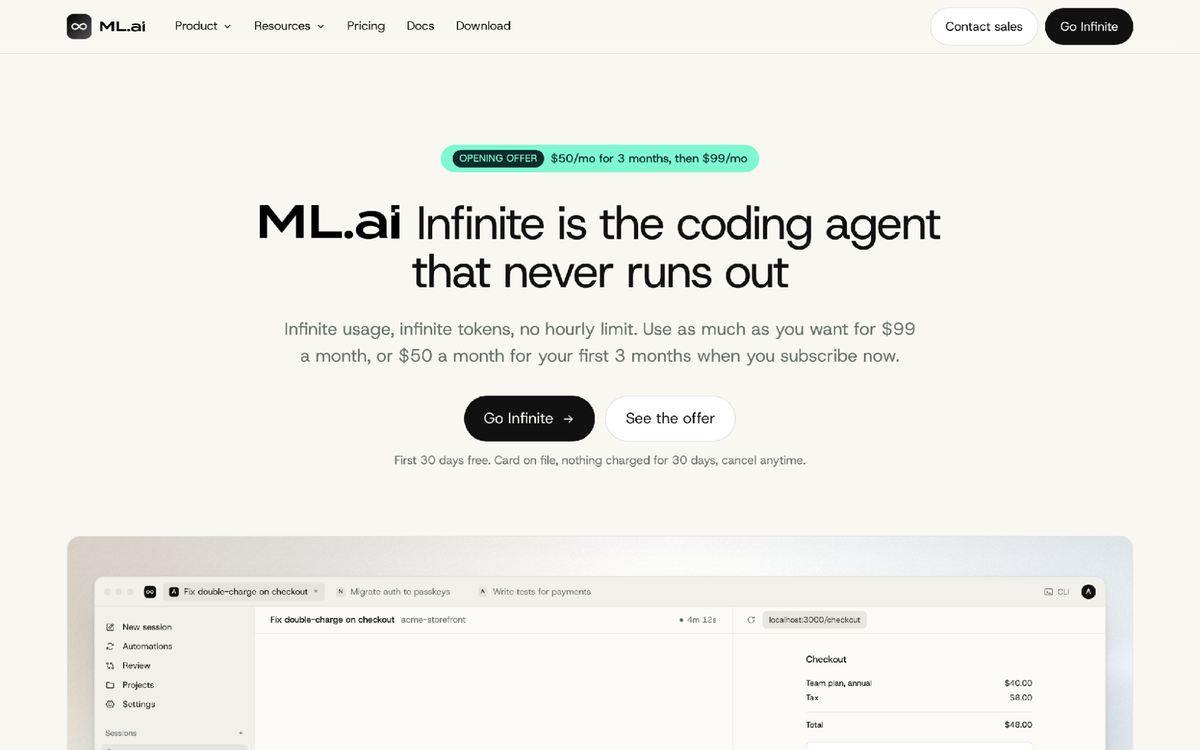
ML.ai is an agentic coding runtime. You hand it a task, such as an issue or a bug report, and it plans the work, edits code in a sandbox, runs your tests and opens a pull request. Nothing merges without your approval.
For a Codeium user, ML.ai answers the gap that autocomplete never covered: multi-file work done end to end. It also removes the metering problem that now sits in front of almost every other option. There is no token meter, no hourly limit and no monthly allowance for one person's work, so a refactor started at night is finished by morning instead of stopping halfway at a quota wall.
How ML.ai keeps output quality high without a token meter
The mechanism is routing. ML.ai sends each step of a task to the model that suits that step, a fast model for routine edits and a reasoning model for planning or tricky logic, instead of running everything on the most expensive model. You choose the effort level (low, medium or high), and ML.ai picks the model per step.
That is how a flat price can cover heavy use: cheap steps stay cheap, and hard steps still get the strongest model. Aryan Yadav, Co-Founder and CTO at NeoSapien, put it simply: "We stopped picking models one by one. ML.ai learned the ones we needed and ran them cheaper than we could."
Features AI engineers use most
- Sandboxed background jobs. Many jobs run in parallel across projects, each in its own sandbox, and each returns a diff to review. You can queue several tickets and review them one at a time.
- Declared scope. ML.ai writes a task list and names the files it expects to change. Edits outside that scope stop and ask first, so an agent cannot quietly touch unrelated code.
- Verified PRs. Before a diff reaches you, ML.ai runs checks such as typecheck, lint, unit tests and a dependency and secret scan, so review starts from code that already builds.
- Every surface on one account. A desktop app for macOS and Windows, an extension for VS Code and compatible editors, and a CLI for macOS, Linux and Windows. The CLI installs with curl -fsSL https://ml.ai/install | sh.
- Security for regulated teams. ML.ai lists SOC 2, ISO 27001 and FedRAMP High, runs each session in its own VM, enforces zero data retention with model providers, and never uses your code for training. Enterprise deployments can run inside your VPC.
On public benchmarks, ML.ai reports 95.0% on SWE-bench Verified and 93.7% on SWE-bench Pro, the harder multi-file set, from its November 2026 runs.
ML.ai pricing
- Infinite: $99 a month, or $50 a month for the first 3 months when you subscribe now.
- Free first month: the first 30 days cost nothing, with a card on file, and you can cancel anytime.
- Teams and enterprise: SSO, an admin console, centralized billing and VPC deployment through a call with the team.
See the full details on the ML.ai pricing page.
Best for: AI engineers and teams whose agent work runs long enough to hit quotas elsewhere. To see how it handles your own repo, start your free month with ML.ai. If you are also weighing Copilot, our ML.ai vs GitHub Copilot comparison goes deeper.
2. GitHub Copilot
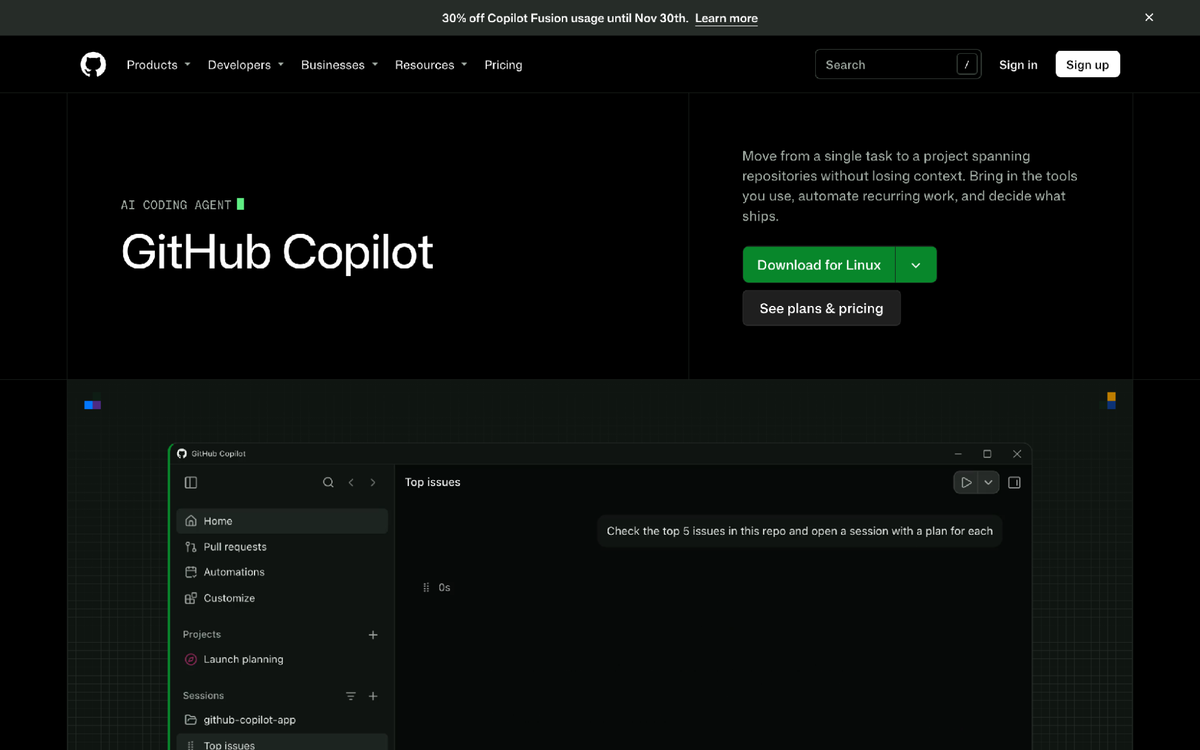
GitHub Copilot is the closest match to Codeium's editor breadth. It runs in VS Code, JetBrains IDEs, Visual Studio, Xcode, Eclipse and Vim, so Codeium users in any of those editors can switch without leaving them.
What Copilot offers
- A real free tier. Copilot Free includes 2,000 code completions a month and a small allowance of AI credits, with automatic model selection only.
- Credit-based paid plans. Pro costs $10 a month with 1,500 AI credits, Pro+ costs $39 with 7,000, and Max costs $100 with 20,000. One credit is worth one US cent.
- GitHub-native agent. The cloud agent works from issues and opens pull requests inside your repositories.
What to weigh before switching
Since June 1, 2026, credits burn in proportion to tokens at each model's API price, so a long agent session costs more than a short one. Copilot code review also consumes GitHub Actions minutes on top of credits.
Best for: developers who want Codeium-style completion across many editors and mostly work inside GitHub. For a wider look at this space, see our guide to GitHub Copilot alternatives.
3. JetBrains AI
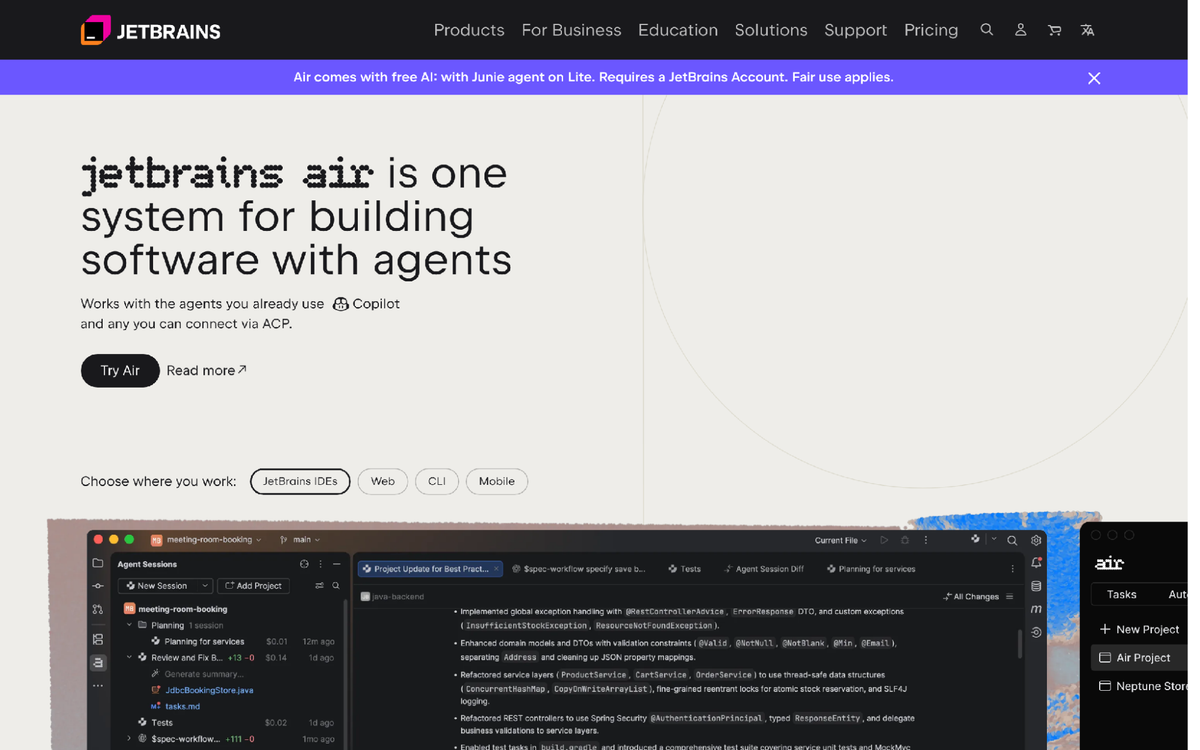
JetBrains AI is the strongest free swap for Codeium users who live in IntelliJ, PyCharm, GoLand or WebStorm. It is also the one free tier in our tracking whose terms did not change this year.
What JetBrains AI offers
- Unlimited free completion. Code completion runs on Mellum, JetBrains' own completion model, and does not consume AI credits on any plan, including AI Free.
- Local models. AI Free can connect to local models through Ollama or LM Studio, which suits teams that cannot send code to the cloud.
- Air and Junie. JetBrains opened Air inside its IDEs on October 2, 2026, with free Junie Lite agent runs until the end of the year.
What to weigh before switching
Cloud features run on credits worth $1 each, and AI Free gets only 3 credits per 30 days, with no option to buy more. AI Pro is $10 a month for 10 credits. When JetBrains moved to this model, it told users that about 80% would not hit the new limits, and that the most active users would be the most affected. Next edit suggestions were also limited to paid plans at last check.
Best for: JetBrains users who mainly want fast completion and occasional chat.
4. Google Antigravity
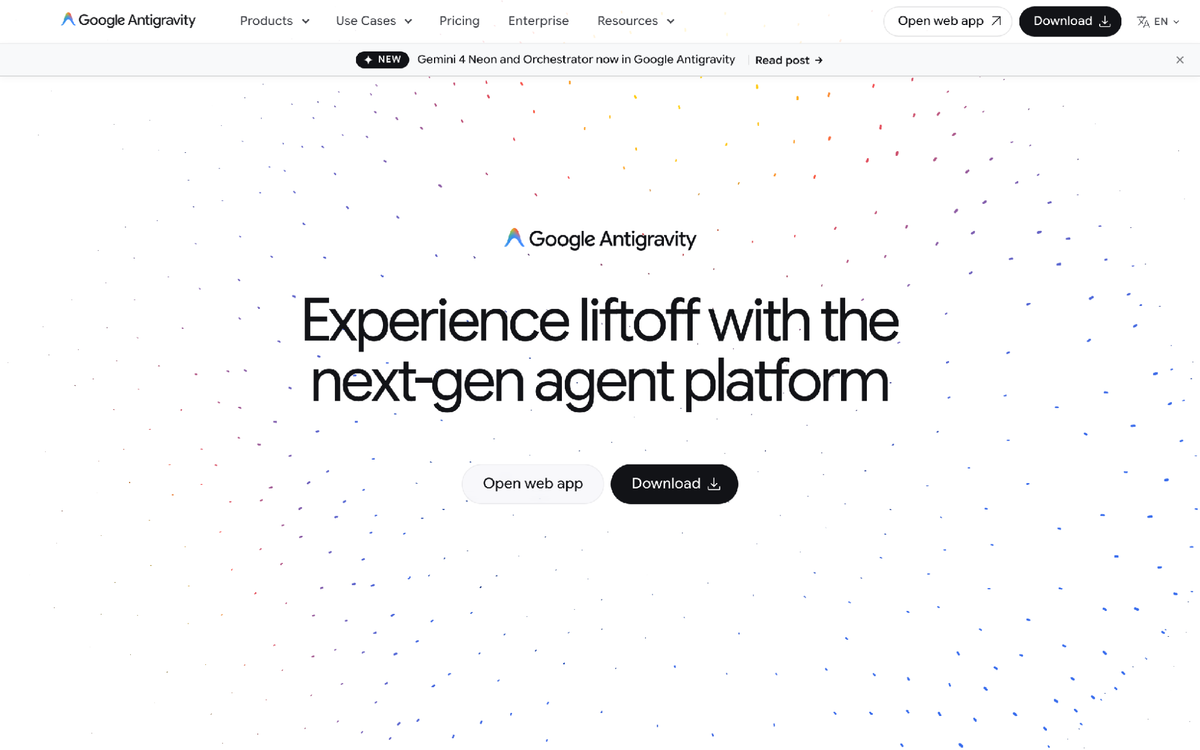
Google Antigravity is Google's agent-first editor, built on VS Code, and it replaced Gemini Code Assist as Google's free option for individuals. On paper, it has the largest $0 plan on this list.
What Antigravity offers
- Generous free plan. The Individual tier includes unlimited Tab completions, unlimited Command requests and a weekly agent quota.
- A matching CLI. The Antigravity CLI replaced Gemini CLI for free and individual accounts, sharing the same agent runtime as the editor.
- Paid capacity through Google AI plans. Pro costs $19.99 a month with limits that refresh every five hours, and Ultra costs $99.99 or $199.99.
What to weigh before switching
The free quota refreshes weekly, so one heavy day can leave you waiting several days. Google publishes no request or token counts for any plan, and users protested quota drops in March 2026. It is also a separate editor, so JetBrains and Neovim users face the same switch that Devin Desktop asks for.
Best for: individual developers who want the most free agent time and are happy in a VS Code-style editor.
5. Kilo Code
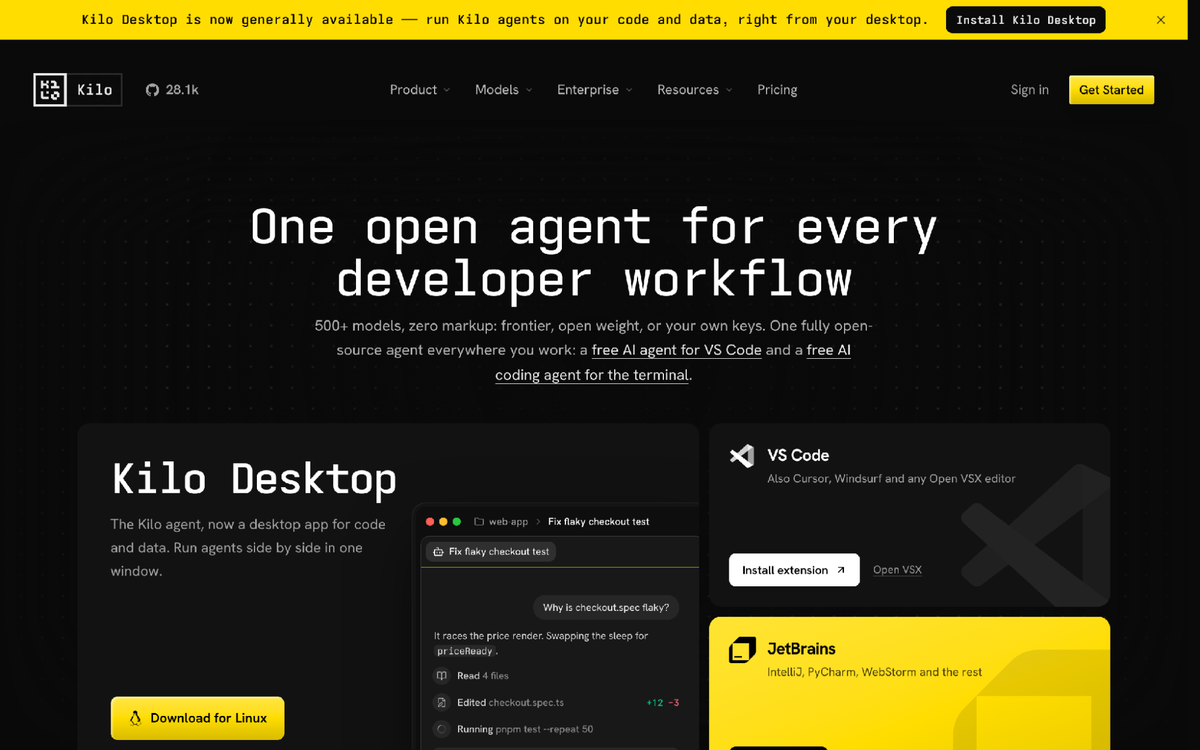
Kilo Code is an open-source coding agent that installs as an extension in VS Code and JetBrains IDEs, plus a CLI. It fills the role that Continue played before its acquisition: bring your own model and keep your editor.
What Kilo Code offers
- Free clients. The VS Code and JetBrains extensions and the CLI are free and MIT-licensed, with free models available through Auto Free.
- 500+ models at provider rates. You pay exactly what the model provider charges, with 0% markup, or nothing extra if you run local models.
- Agent modes. Ask, Plan, Code and Debug modes, plus custom modes for your own workflows.
What to weigh before switching
"Free" here means the software. Model usage is your bill, and an agent that loops on a hard task can run up provider costs quickly. Kilo Code was acquired by Anaconda in July 2026, so check how the roadmap develops. Teams costs $15 per user a month for team management.
Best for: AI engineers who already hold API keys or run local models and want full model control inside their current editor.
6. Kiro
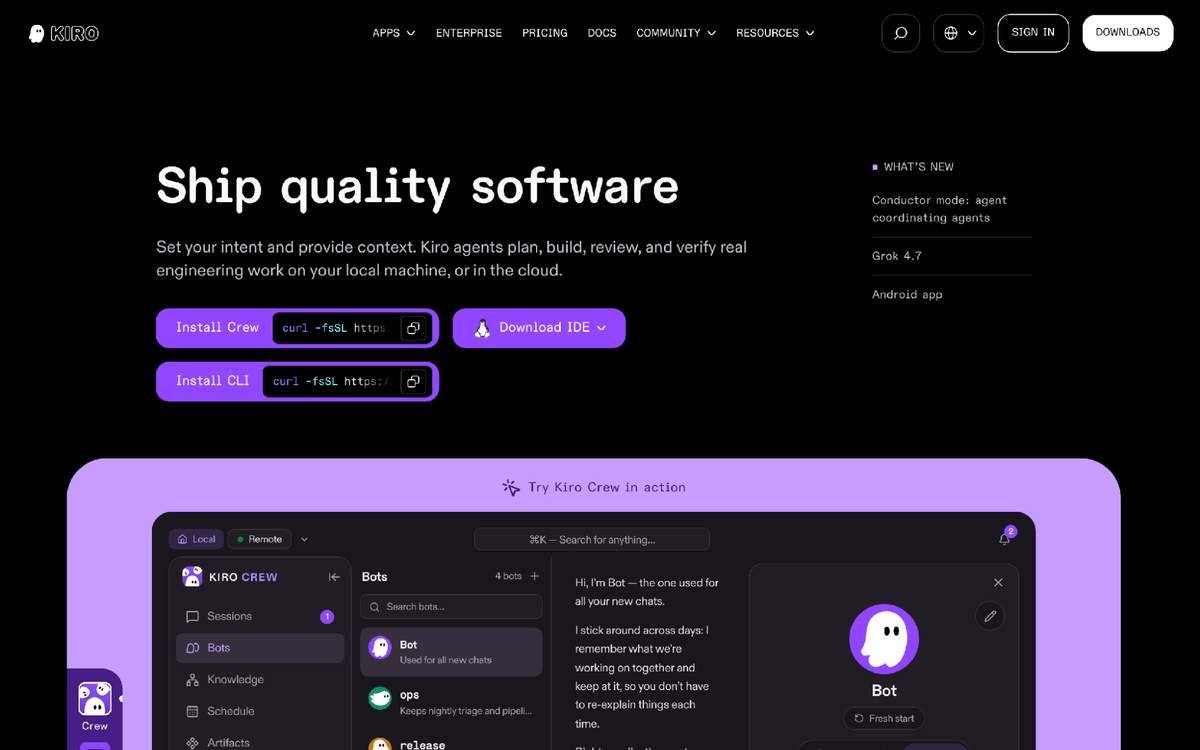
Kiro is AWS's spec-driven agentic editor and CLI, and it is where Amazon Q Developer users are being moved. Q Developer IDE plugins reach end of support on April 30, 2027.
What Kiro offers
- Spec-driven work. You describe what to build as structured requirements, and Kiro plans, implements and verifies against them.
- A clear credit ladder. Free includes 50 credits a month. Pro is $20 for 1,000 credits, Pro+ is $40 for 2,000, Pro Max is $100 for 5,000, and Power is $200 for 10,000, with add-on credits at $0.04 on paid plans.
- A trial on first upgrade. From November 1, 2026, a first upgrade from Free makes the rest of that month on Pro free and adds 500 trial credits.
What to weigh before switching
The Free tier has fixed limits with no add-ons, so hitting the cap means upgrading or waiting. Kiro is its own VS Code-based editor, and there is no native Kiro plugin for Visual Studio or Eclipse, so teams that used Q Developer in those IDEs have to switch editors.
Best for: AWS-centric teams moving off Amazon Q who like working from written specs.
How much does going beyond the free tier cost in practice?
List prices hide the real comparison, because most paid plans are a base fee plus usage. A simple worked example shows where the lines cross.
Suppose an AI engineer on Kiro Pro uses 3,000 credits in a busy month. The bill is $20 for the plan plus 2,000 extra credits at $0.04, which comes to $100. That is roughly ML.ai's flat $99, and every credit above that point makes the metered plan more expensive.
On Copilot Pro+, the same $99 buys the $39 plan plus 6,000 extra credits at $0.01, about 13,000 credits in total. Because Copilot credits track API token prices, how far that goes depends on which models your agent calls and how long its sessions run.
The rule of thumb: if your usage is light and steady, a metered plan is cheaper. If your agent work spikes around releases, a flat plan removes the guesswork. Use the flowchart below to match your workflow to a tool.
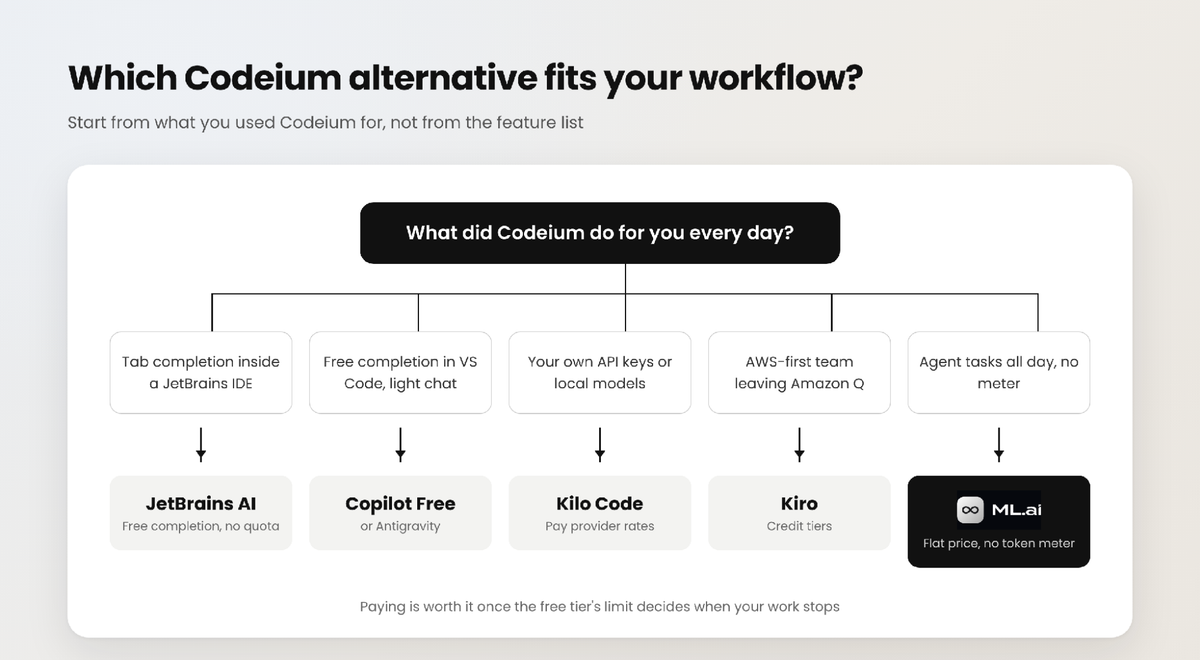
How do you move off the Codeium extension without losing a week?
Treat the switch as a one-week trial you can measure:
- List every editor in use. Codeium's reach means your team may have it in Vim, Visual Studio or Jupyter. Pick a tool that covers every editor on that list, or plan who switches editors.
- Carry over your exclusions. If you kept files out of Codeium with
.codeiumignore, recreate those rules in the new tool's ignore or content-exclusion settings before indexing your repos. - Disable Codeium before enabling the new tool. Two completion engines in one editor fight over ghost text and make both look worse.
- Run one real week and read the meter. Use the new tool's usage dashboard to see how many completions, credits or tokens a normal week costs. That number tells you which tier to buy.
- Move agent work separately. Autocomplete and agent tasks have different cost profiles. A common setup is a free completion tool plus one paid agent for multi-file work.
Choosing a Codeium replacement you will not outgrow
Codeium was the best free autocomplete of its time, but its extension is fading, and the free tiers that replaced it shifted under their users all year. The safer move is to judge each tool by what happens when you hit its limit.
If your work has grown from autocomplete into agent tasks that run for hours, ML.ai removes the meter entirely: one flat price, verified pull requests and no quota reset in the middle of a job. Try ML.ai free for 30 days on your own repo, or book a call to plan a team rollout.
FAQs
What is the best Codeium alternative?
For AI engineers running agent tasks, ML.ai is the best Codeium alternative because it has no token meter and opens verified pull requests. For free autocomplete only, JetBrains AI Free suits JetBrains IDEs and GitHub Copilot Free suits VS Code.
Is Codeium still free?
Codeium's completions now live in Devin Desktop, whose Free plan includes unlimited Tab completions and a light agent quota. The old VS Code extension is in maintenance mode, and its original Marketplace listing returns a 404.
What happened to Codeium?
Codeium renamed itself Windsurf in April 2025, Cognition acquired Windsurf in July 2025, and the Windsurf editor became Devin Desktop on June 2, 2026. The extensions kept the Windsurf Plugins name.
Is there a free Codeium alternative for JetBrains?
Yes. JetBrains AI Free gives unlimited code completion in JetBrains IDEs without using AI credits, and Kilo Code offers a free JetBrains extension that works with your own API keys or local models.
Is there a Codeium alternative with unlimited usage?
ML.ai's Infinite plan has no token meter, no hourly limit and no monthly allowance for one person's work, at $99 a month after a free first month. Most other tools meter usage through credits, quotas or provider tokens.
Do free AI coding tools use my code for training?
It depends on the plan. Free tiers have historically allowed vendors to use interactions to improve models, so check the data terms of the exact plan you use. ML.ai states that your code is never used for training.